Built by AV techs, for AV techs

Stop retyping
the rider.

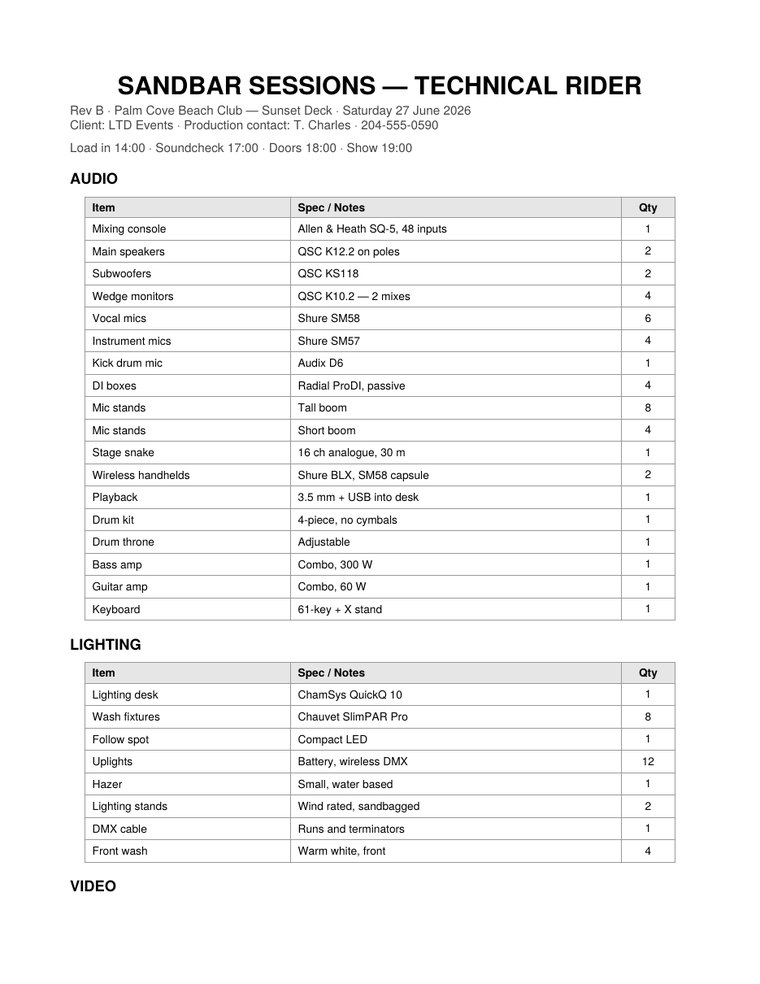
Photograph a rider and Riderline builds the show. No rider? Just tell Sharvis about the gig, by voice or text, and it builds it for you. Gear by department, crew and calls, shared with your crew by code.

A printed AV equipment rider page listing gear by department
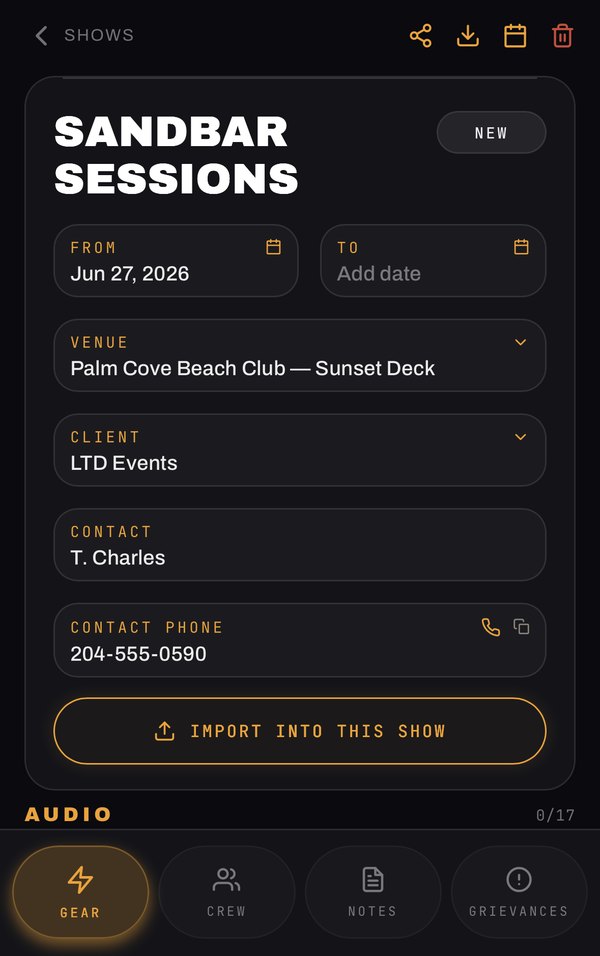
The Riderline show built from the rider, with gear, crew and notes
RIDER IN → SHOW OUT · ABOUT 10 SEC
Document import — see it in action

One rider in. One show out.

A 47-item rider takes about ten seconds.

You already have the document. Someone already typed the gear list. Drop it into Riderline and it builds the show for you — gear sorted by department, crew and call times in place, venue and dates filled in, ready to check off.

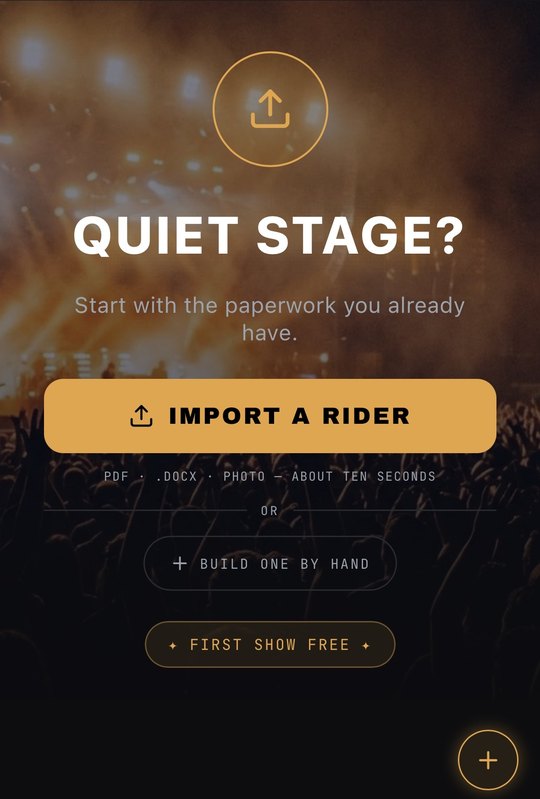
  1. Riderline import screen offering PDF, Word document or photo upload
    01

    Tap import

    A PDF, a Word doc, or a photo of the paper copy.

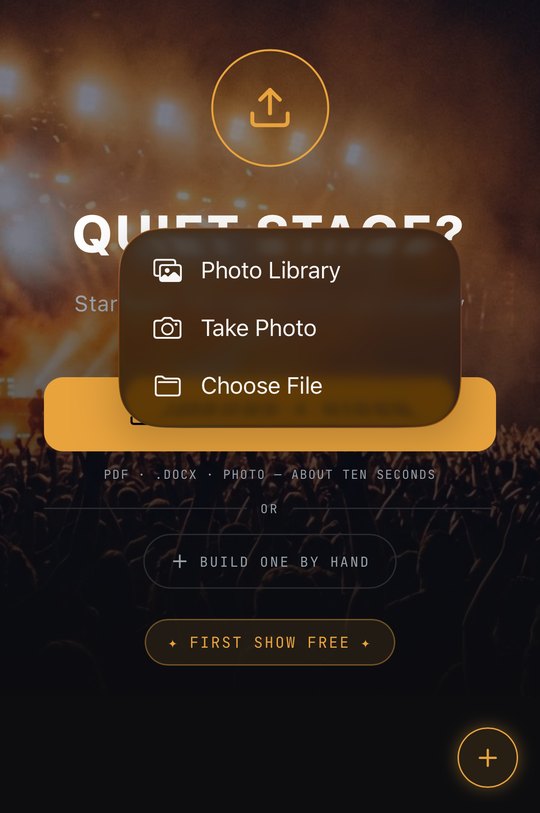
  2. Riderline file picker choosing a rider from files, photos or camera
    02

    Pick the rider

    From your files, your photos, or straight from the camera.

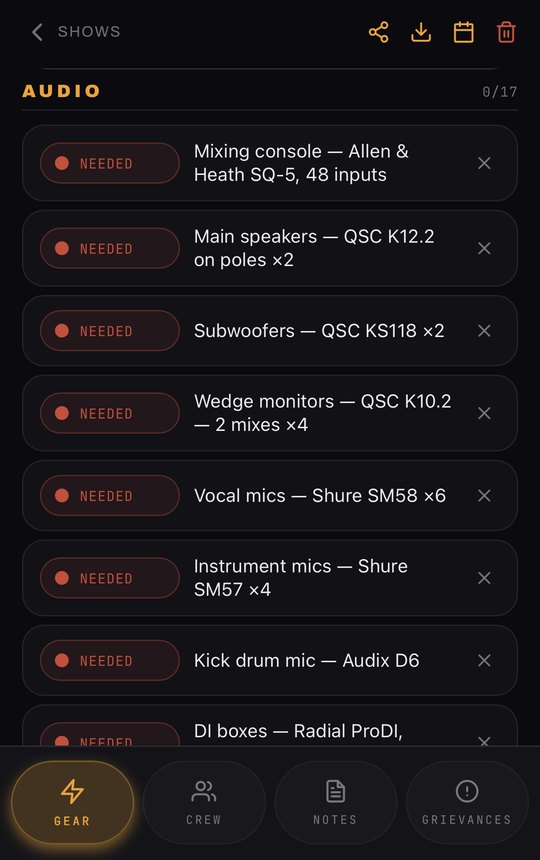
  3. Riderline gear list sorted by department with specs and quantities
    03

    Gear, sorted

    Every item by department, with the spec and quantity kept together.

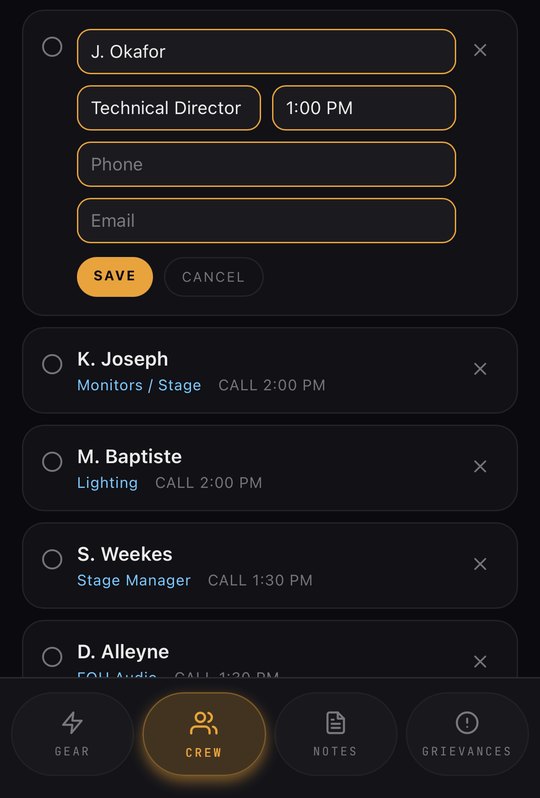
  4. Riderline crew list with the first crew member open for editing: name, role, call time, phone and email
    04

    Crew and calls

    Names, roles and call times. Tap anyone to add their phone or email.

No rider? No problem.

Just tell Sharvis.

Show Helper for Audio, Rigging, Video, Illumination & Staging

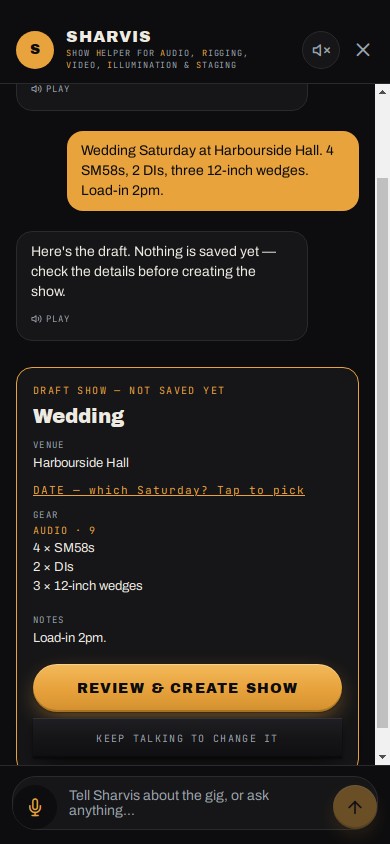
Type it or say it, the way you'd tell the crew: “Wedding Saturday, 4 SM58s, 2 DIs, load-in 2pm.” Sharvis builds the show: gear sorted by department, crew, call times. Nothing saves until you check it.

Stuck on site? Ask it anything AV. “Why is my wireless dropping out?”

Sharvis drafting a show from a typed message
05

Snap it. Log it.

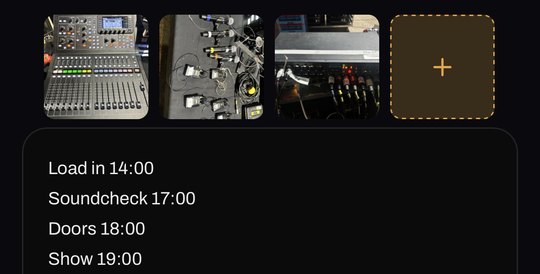
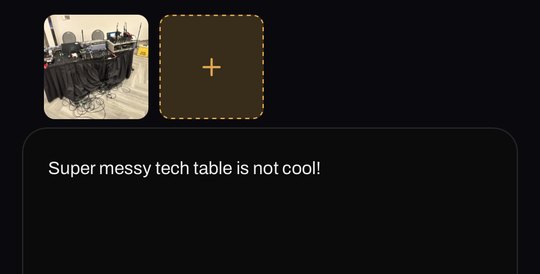
Snap how the desk is labelled, where the mics live and how the stagebox is patched, and it goes straight into the show's notes — so the next tech isn't guessing. Tech table turned into a cable nest? Snap that too and log it in grievances.

Riderline show notes with photos of the labelled mixer, the mic positions and the stagebox patch
Photos in your notes
Riderline grievances with a photo of a messy tech table
Photos in your grievances
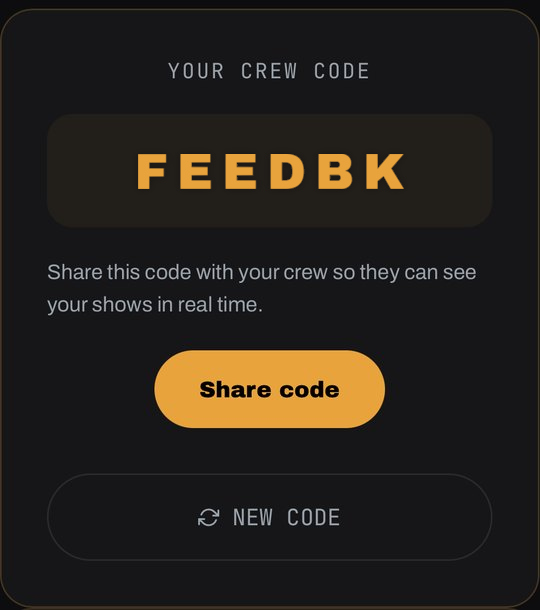
Riderline crew-code screen showing the code to share with your crew
You share the code
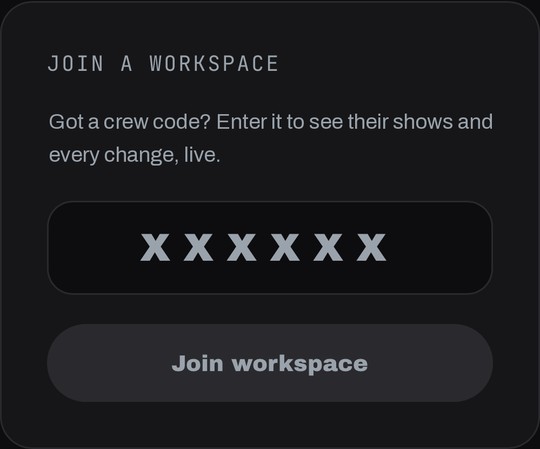
Riderline join-workspace screen where crew members type the shared code
Your crew types it in
06

Share it with your crew

Send your crew code. They type it in on their phone, and everyone on the show sees the same gear list, crew calls and notes — when something changes, they see it live. No more group texts with last week's version.

Real Riderline screens from importing the rider above. Example rider, names and crew code are made up.

Riderline — Brand Film

You know this rider.

  • The gear list is a photo of a whiteboard from three shows ago.
  • The call sheet is somewhere in a text thread with forty unread messages.
  • The signal flow notes live in the last tech's head — and they're not on this show anymore.
  • So you rebuild it. Every time. From scratch.
The signal chain

THREE INPUTS. ONE SHOW. AND A RECORD OF WHAT WENT WRONG.

Riderline organizes every show the way you already think about one — as a chain, not a pile of files. And when something goes sideways, it remembers that too.

01
Load-in to load-out

Gear Checklists

Build a checklist per show, not per memory. Check gear off as it loads in, flag what's missing, and hand off a clean list to the next tech instead of a verbal shrug.

02
Who's on the show, and when

Crew & Call Sheet

Roles, call times, and contact info in one tab — so "who's running FOH tonight" isn't a text you send five times before doors.

03
The patch, the quirks, the workarounds

Signal Flow Notes

Document the routing while it's fresh — stagebox settings, that one channel that needs an extra 3dB, the workaround for the clock lock. Future you says thanks.

04
WHAT BROKE, WHO WAS LATE, WHAT CHANGED

GRIEVANCES

The DI that hummed all weekend, the riser that showed up late, the client change nobody wrote down. Log it while you're still annoyed, attach a photo, and have it ready when the same venue books you again.

Built for the chaos

Freelance

Touring & Freelance Techs

Different venue, different console, different chaos every week. Keep your own system consistent even when nothing else is.

In-House

Production Companies

Standardize how every show gets documented, so a rider built by one tech makes sense to any tech who picks it up next.

Onboarding

New Techs & Trainees

Give new hires a real show sheet to learn from instead of tribal knowledge and a hope they were paying attention.

Pricing

Try it on a real show.

No demo account, no fake data. Bring your next rider and see what it builds.

First show
free.

Import a rider, sort the gear, add your crew, share the code. A whole real show — no card, no password.

Start free
When you're ready for show #2

Monthly

Unlimited shows, full Sharvis (builds shows and answers AV questions), plus PDF and CSV export. Cancel anytime from your account.

$29.99CAD / MONTH

Founding Member50 SPOTS+ FREE TOQUE

Everything in Monthly, paid once — never renews. 14-day money-back. Pays for itself in under 7 months. Only 50 spots at this price.

Riderline toque
FREE RIDERLINE TOQUE
Every Founding Member gets one, shipped free anywhere in the world.
$199CAD / ONCE

What counts as a show?

One event or gig — its gear list, crew, notes and grievances, however many days it runs.

Does my crew have to pay?

No. They join with your crew code — no account, no plan — and see every change live.

What if the import gets something wrong?

Everything it builds is editable, and importing into an existing show shows you every change before it saves.

Can I cancel?

Monthly cancels anytime from your account and runs to the end of the month. Founding Member is one payment, never renews, and comes with a 14-day money-back guarantee.

How do I get my toque?

After you join, we email you to ask where to send it. It ships free, anywhere in the world.

Can I expense it?

If you freelance or run your own production business, Riderline is a deductible business expense.

Start now

Get Riderline before your next show.

Enter your email and get straight into the app.

A Working AV Tech
Built By
July 14, 2026
Date